

Key Takeaways
- Paper budgets work well for tactile learners who benefit from physically writing down expenses.
- Spreadsheets offer maximum flexibility but require ongoing manual upkeep to stay accurate.
- Budgeting apps automate data entry but may carry subscription costs or privacy tradeoffs.
- The most effective system is the one you'll actually use consistently, not the most sophisticated one.
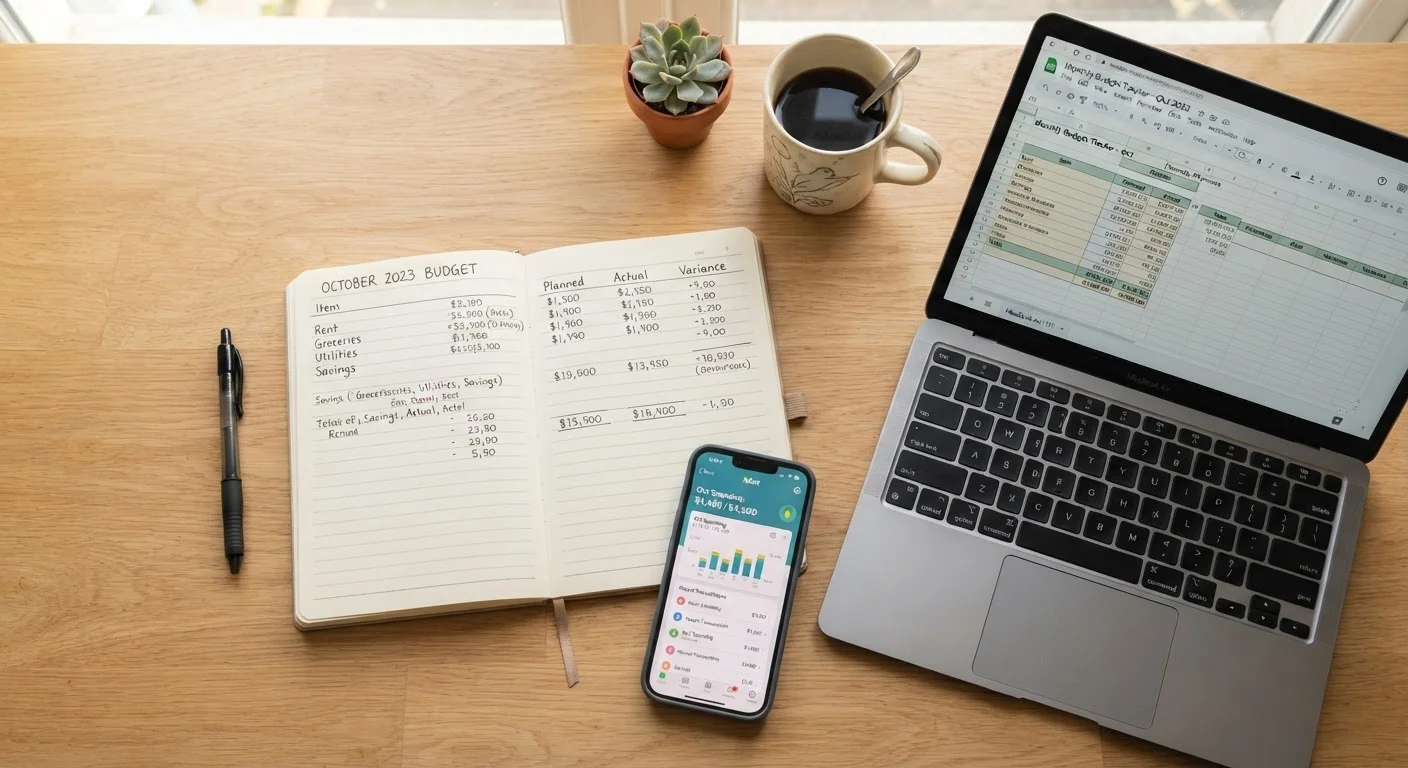
- Many people combine methods - such as an app for tracking and paper for planning - to suit their habits.
Our Verdict
No single budgeting format is objectively superior. Paper budgets suit those who engage better with physical, handwritten records. Spreadsheets are a strong middle ground for detail-oriented users comfortable with basic formulas. Apps offer convenience and automation for people who want less manual effort. Your income complexity, tech comfort, and consistency habits should drive the choice.
| Best for | Recommended |
|---|---|
| Those who learn by writing and prefer low-tech, distraction-free tools | Paper budget |
| Those who want full customization without paying for software | Spreadsheet |
| Those with busy schedules who want automated transaction tracking | Budgeting app |
| Those with irregular income or complex financial categories | Spreadsheet or app |
Why Your Budgeting Format Matters
Budgeting advice often focuses on which method to use - zero-based, 50/30/20, envelope - but the format you track it in matters just as much. A perfectly designed budget that you abandon after two weeks helps no one. The right format is the one that fits your daily habits, your comfort with technology, and how much time you realistically have to maintain it.
This comparison covers the three most common formats: pen-and-paper, spreadsheets, and budgeting apps. Each has genuine strengths and real limitations. For a broader look at underlying budgeting strategies, see common budgeting approaches explained in plain language.
| Paper Budget | Spreadsheet | Budgeting App | |
|---|---|---|---|
| Cost | Free (pen and paper) | Free or low-cost | Often subscription-based |
| Setup effort | Minimal | Moderate | Low to moderate |
| Ongoing maintenance | High - all manual | High - mostly manual | Low - largely automated |
| Customization | Fully flexible | Fully flexible | Limited by app templates |
| Data privacy risk | None | Minimal | Higher - account linking |
| Best for | Simple finances, tactile learners | Variable income, detail-oriented | Busy schedules, automation seekers |
Paper Budgets: Simple, Tactile, and Zero-Cost
Writing out a budget by hand - in a notebook, a dedicated planner, or even a printed template - keeps the process tangible. Research in cognitive psychology suggests that handwriting reinforces memory encoding, which may help some people stay more aware of their spending patterns. There's also no app to download, no subscription to pay, and no risk of losing access to your data if a service shuts down.
The tradeoffs are real, though. Paper offers no automatic calculations, no charts, and no alerts when you're approaching a category limit. Every transaction must be recorded manually, and errors don't self-correct. Paper works best for people with relatively simple finances - a fixed income, predictable expenses, and a small number of spending categories.
Getting Started With Paper Budgeting
You don't need a special planner to start. A simple ruled notebook divided into income, fixed expenses, and variable expenses is enough. Set aside five minutes each evening to record what you spent that day - consistency matters more than format. Review totals weekly to catch overspending before it becomes a problem.
Spreadsheets: Flexible Control for Detail-Oriented Budgeters
A spreadsheet - whether in a free tool like Google Sheets or a locally installed program - sits between paper and a full app. You control every formula, every category, and every layout. That flexibility makes spreadsheets particularly useful for people with variable income, multiple income sources, or unusual expense patterns that don't fit app templates.
The learning curve is moderate. Basic formulas like SUM and IF cover most budgeting needs, but you'll still need to enter transactions manually unless you import bank data. Spreadsheets also require active maintenance: if you stop updating them, they quickly become inaccurate and lose their usefulness. They're a strong choice for people who enjoy problem-solving and want precise, custom reporting without a monthly fee.
Budgeting Apps: Automation at the Cost of Some Control
Budgeting apps can connect directly to bank accounts and credit cards, categorizing transactions automatically and displaying spending dashboards in real time. For people who find manual data entry tedious - or who forget to log purchases - this automation can be the difference between maintaining a budget and abandoning one.
The tradeoffs deserve honest attention. Many apps require a subscription fee, which can range from a few dollars a month to considerably more annually. Connecting financial accounts to a third-party app involves sharing sensitive credentials or read-only access tokens, which introduces data privacy considerations worth reviewing before signing up. Some apps also limit customization, forcing you into their category structures rather than your own. For a comparison of how digital tools handle spending limits versus envelope-style cash systems, see envelope budgeting vs. digital spending caps.
Review App Privacy Policies Before Connecting Accounts
When a budgeting app requests access to your bank or credit card accounts, it may store transaction data on third-party servers. Before connecting any account, read the app's privacy policy to understand how your data is stored, shared, and protected. Using read-only access tokens - rather than sharing full login credentials - is generally the safer option when it's available.
Making Your Choice - and Sticking With It
Start by honestly assessing two things: how complex your finances are, and how much time you'll realistically spend on tracking each week. If your income is consistent and your expenses predictable, paper or a basic spreadsheet will almost certainly cover your needs. If you have multiple accounts, irregular income, or a history of forgetting to record spending, an app's automation may be worth the tradeoff.
You don't have to commit permanently. Try one format for a full month before switching - a shorter test won't reveal whether the system holds up when life gets busy. Many people eventually settle on a hybrid: using an app to capture transactions automatically, then reviewing and planning in a spreadsheet or notebook. The goal isn't the most sophisticated system; it's a budget you actually review and act on. Once you've chosen your format, a monthly budget setup checklist can help you build the habit from the ground up.
This article is for general informational and educational purposes only and does not constitute personalized financial advice. Consider consulting a licensed financial professional for guidance specific to your situation.